Create a Kaspa Wallet
To receive and send Kaspa, you need a wallet. In this article, we show you how to set up your Kaspa wallet.
-
Go to the website https://wallet.kaspanet.io/
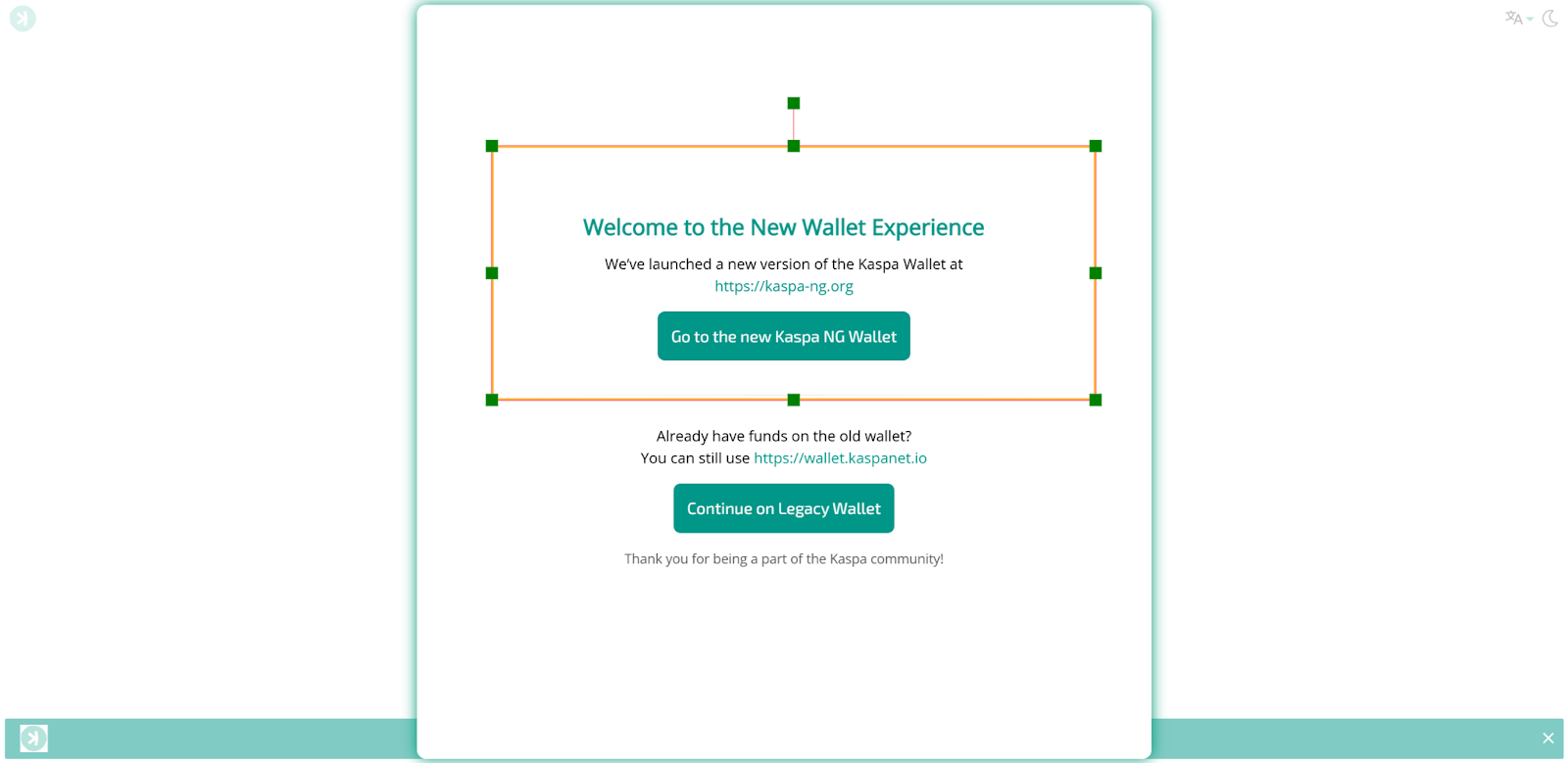
Click on “New Kaspa NG Wallet”.
-
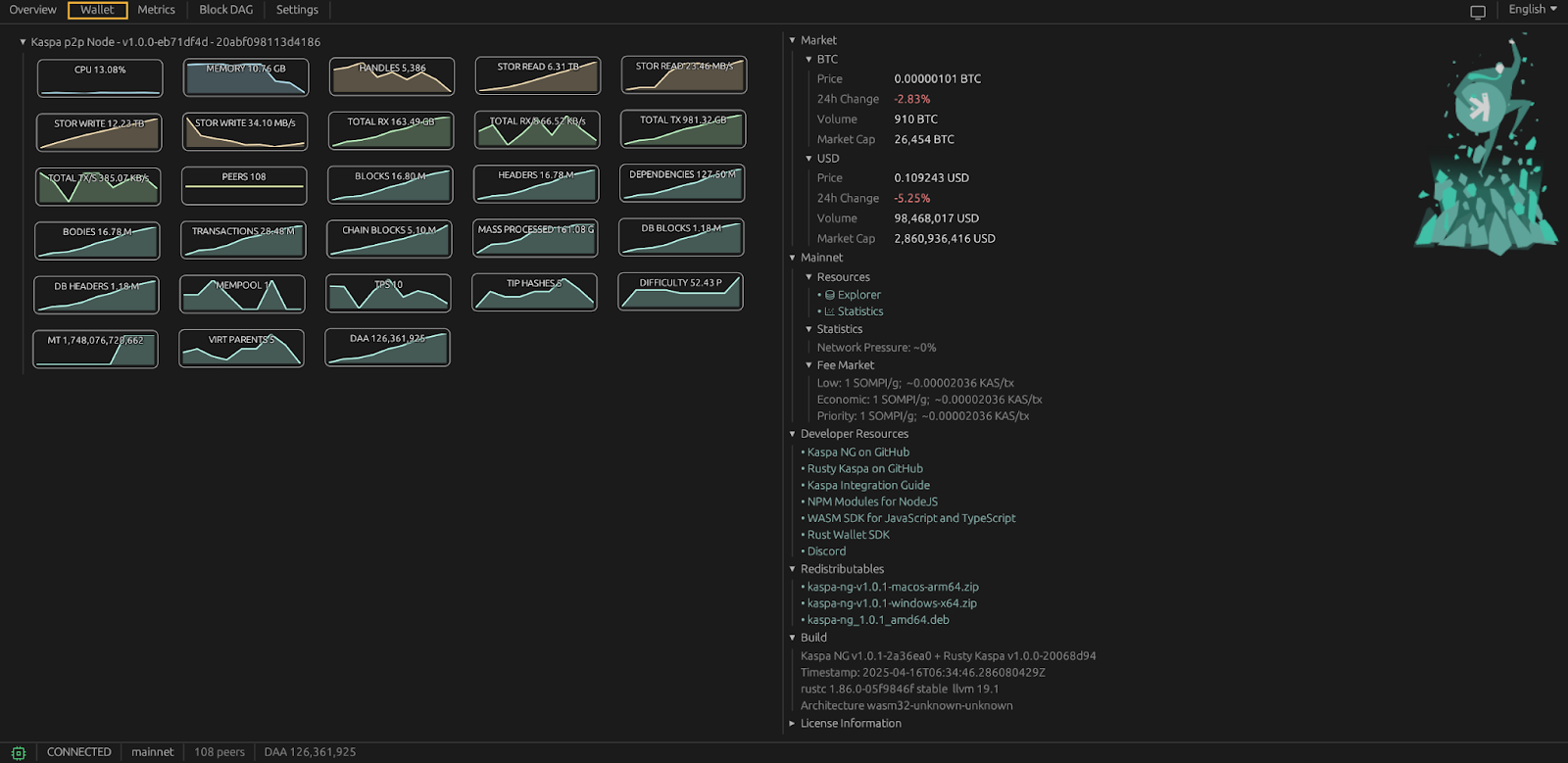
On the page https://kaspa-ng.org/?ref=legacy-wallet click on “Wallet” in the top menu
-
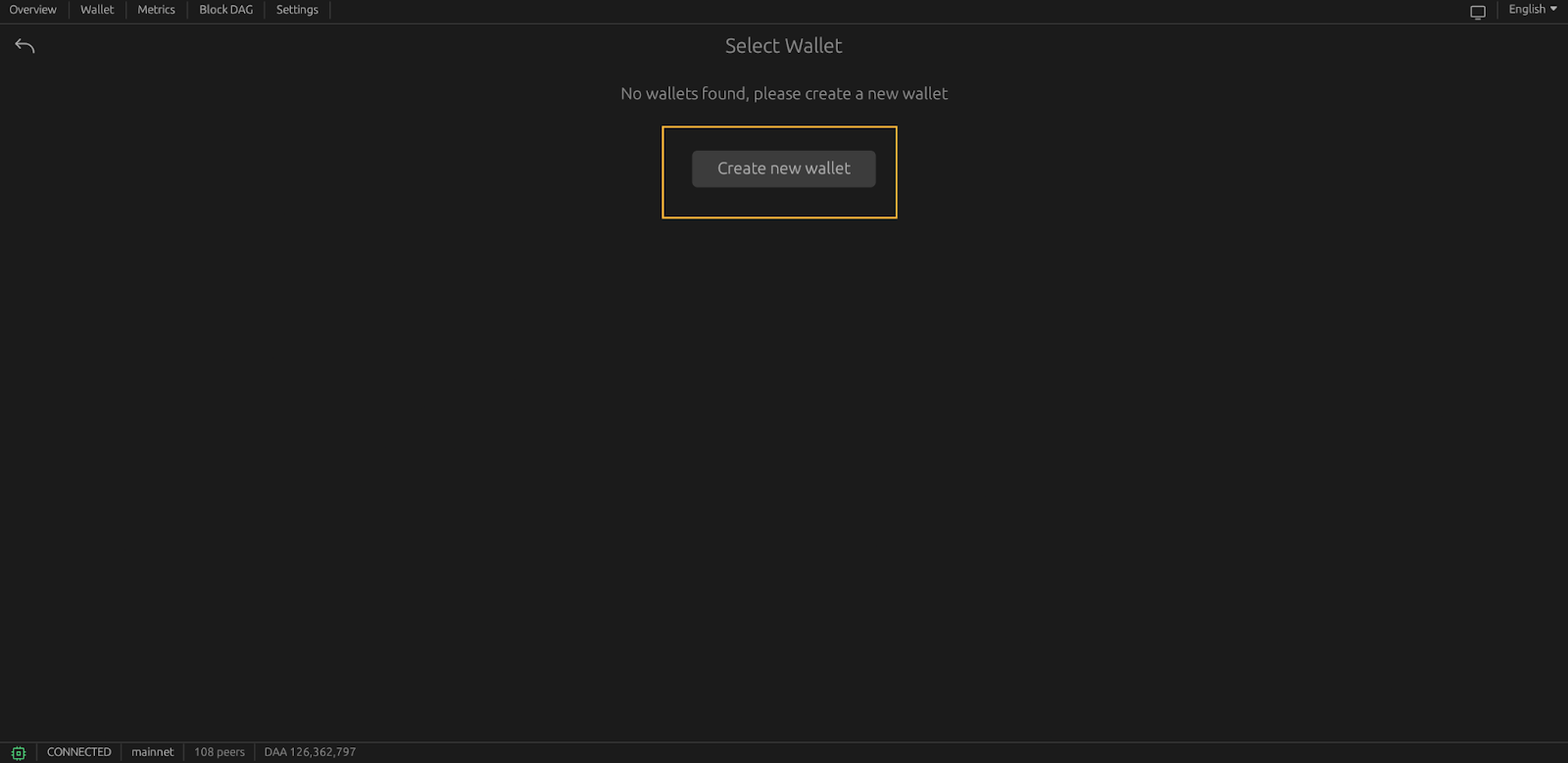
Click on “Create new Wallet”
-
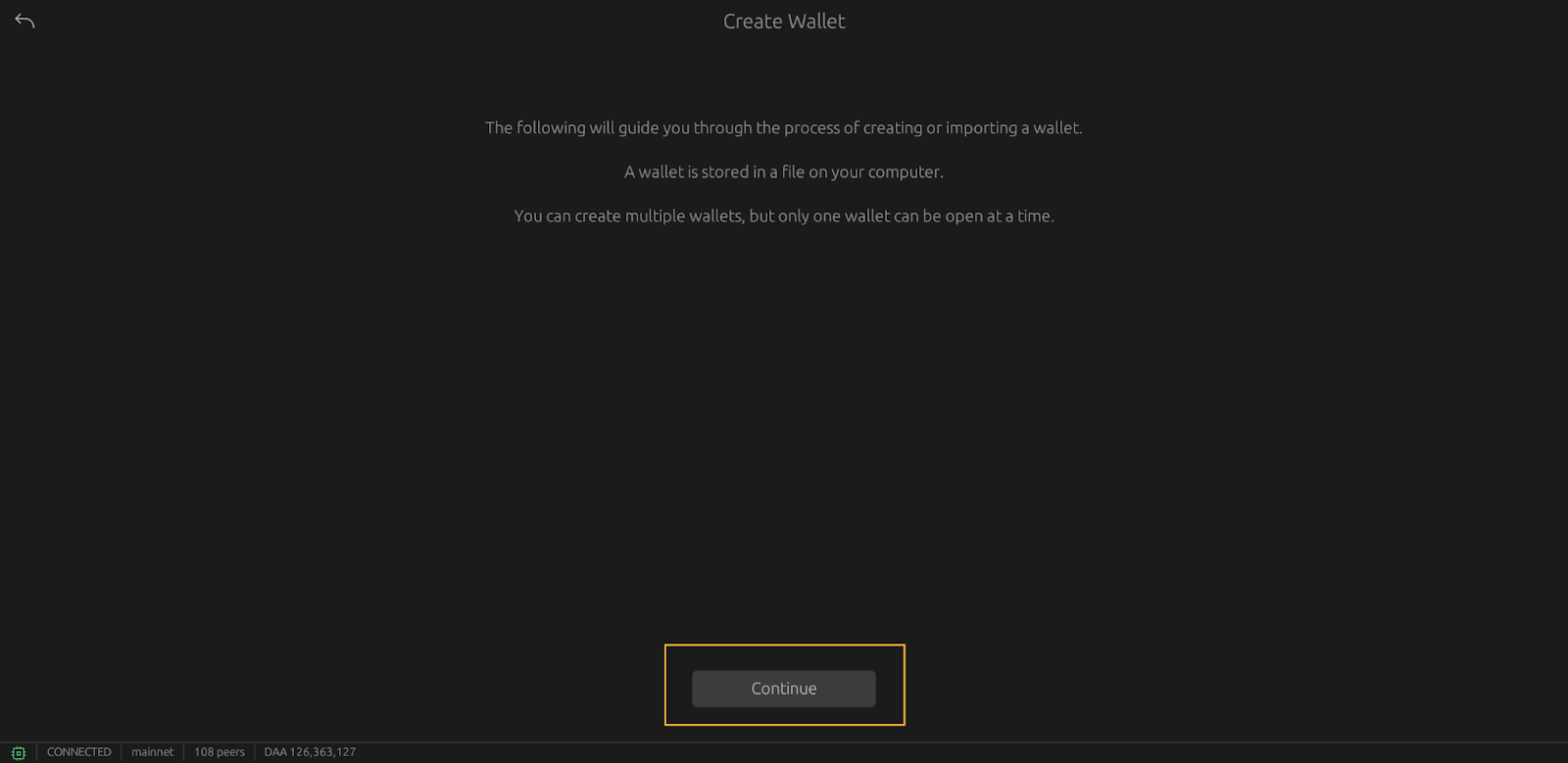
Click on “Continue”
-
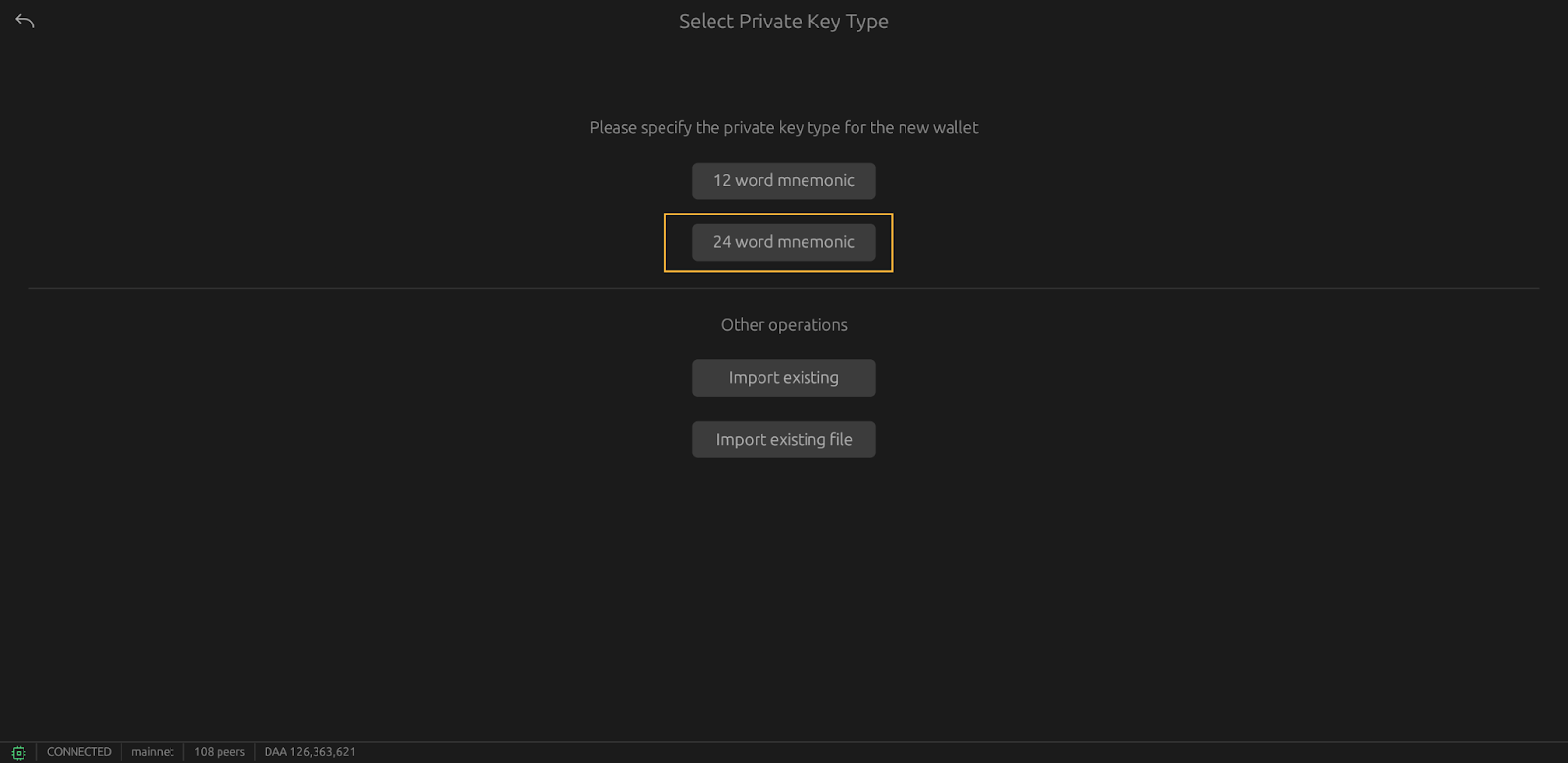
Click on “24 words mnemonic”
-
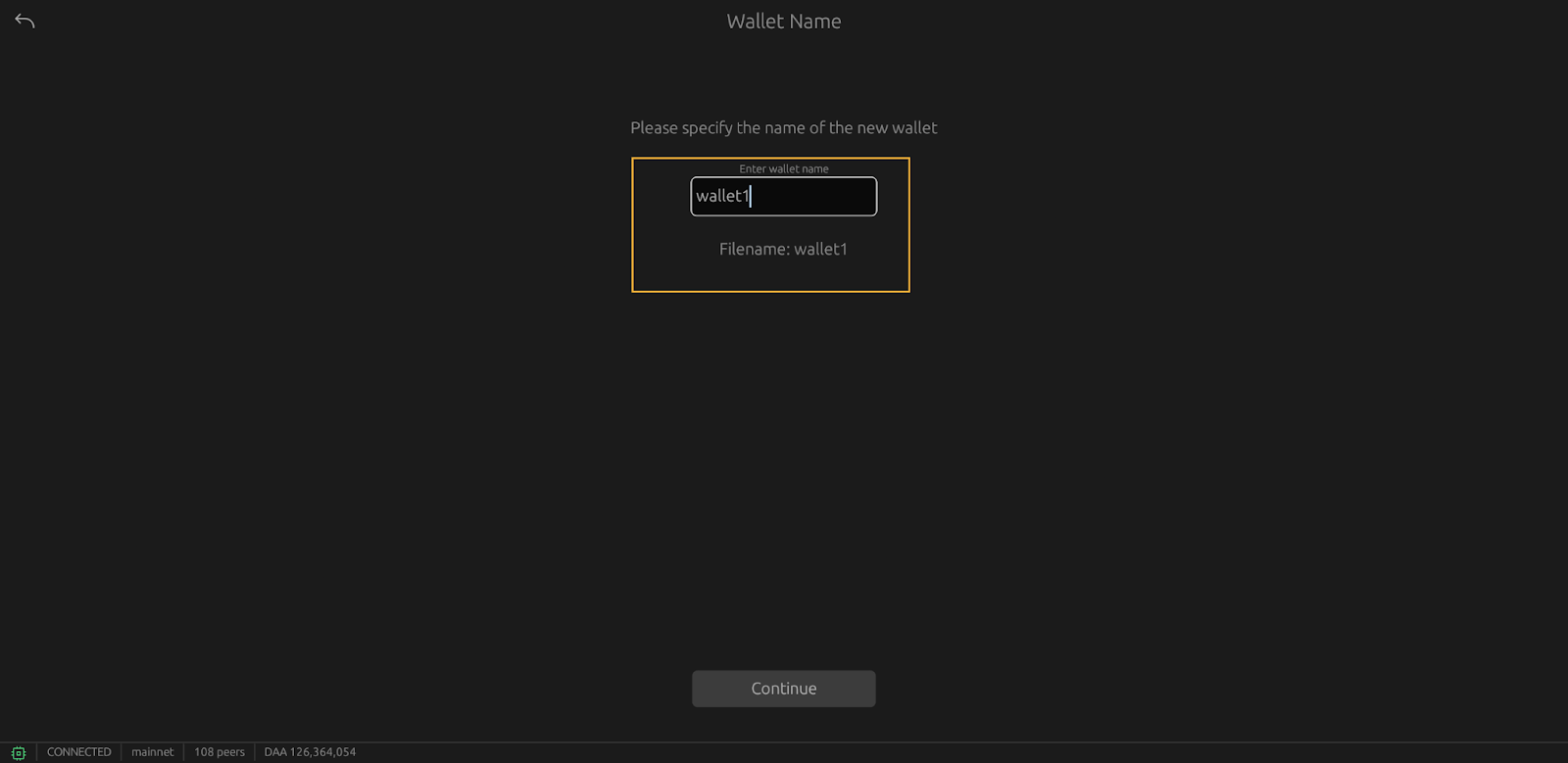
Enter the wallet name in the text field, here “Wallet1”
-
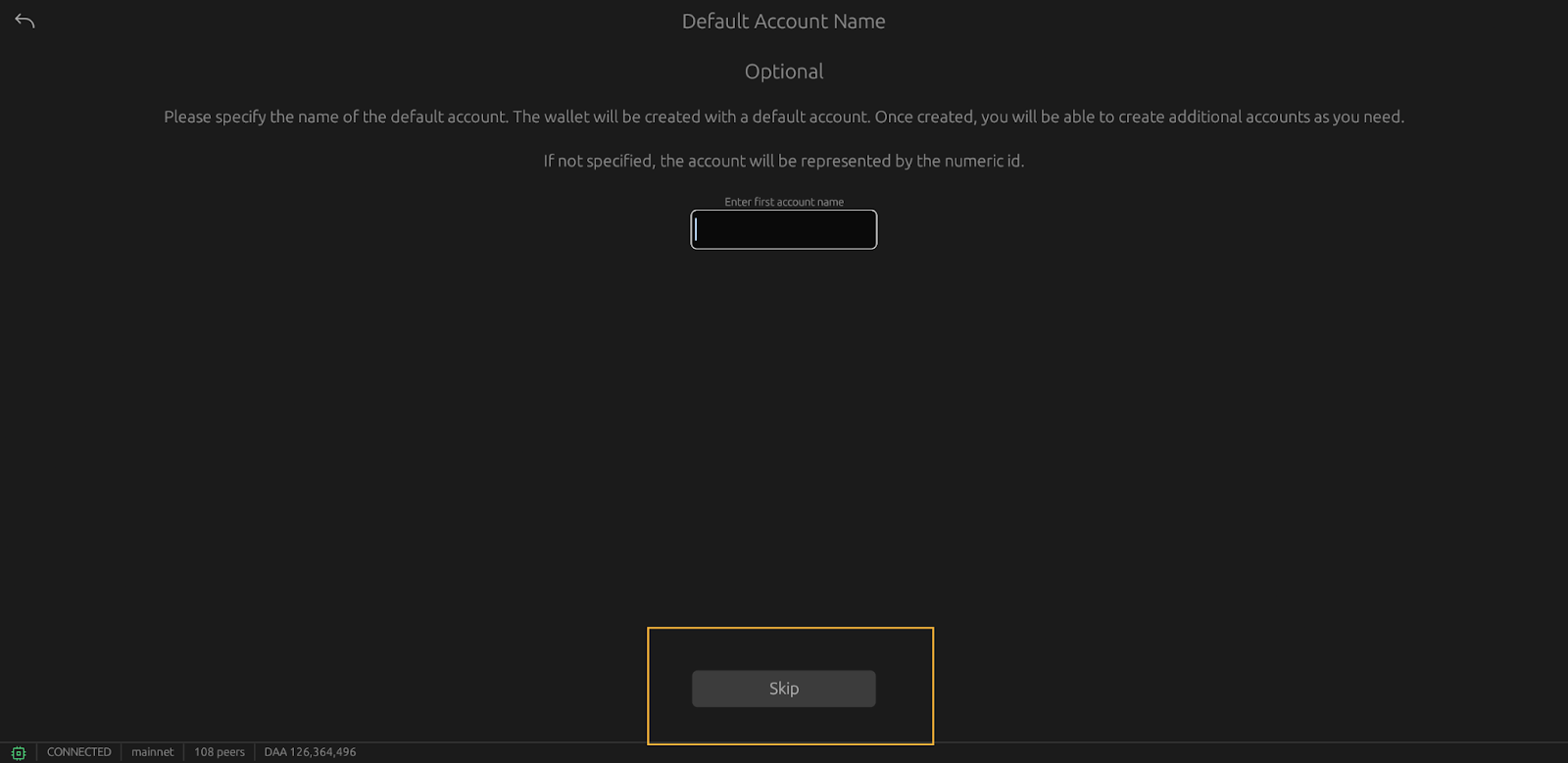
On the new page, click on “continue”
-
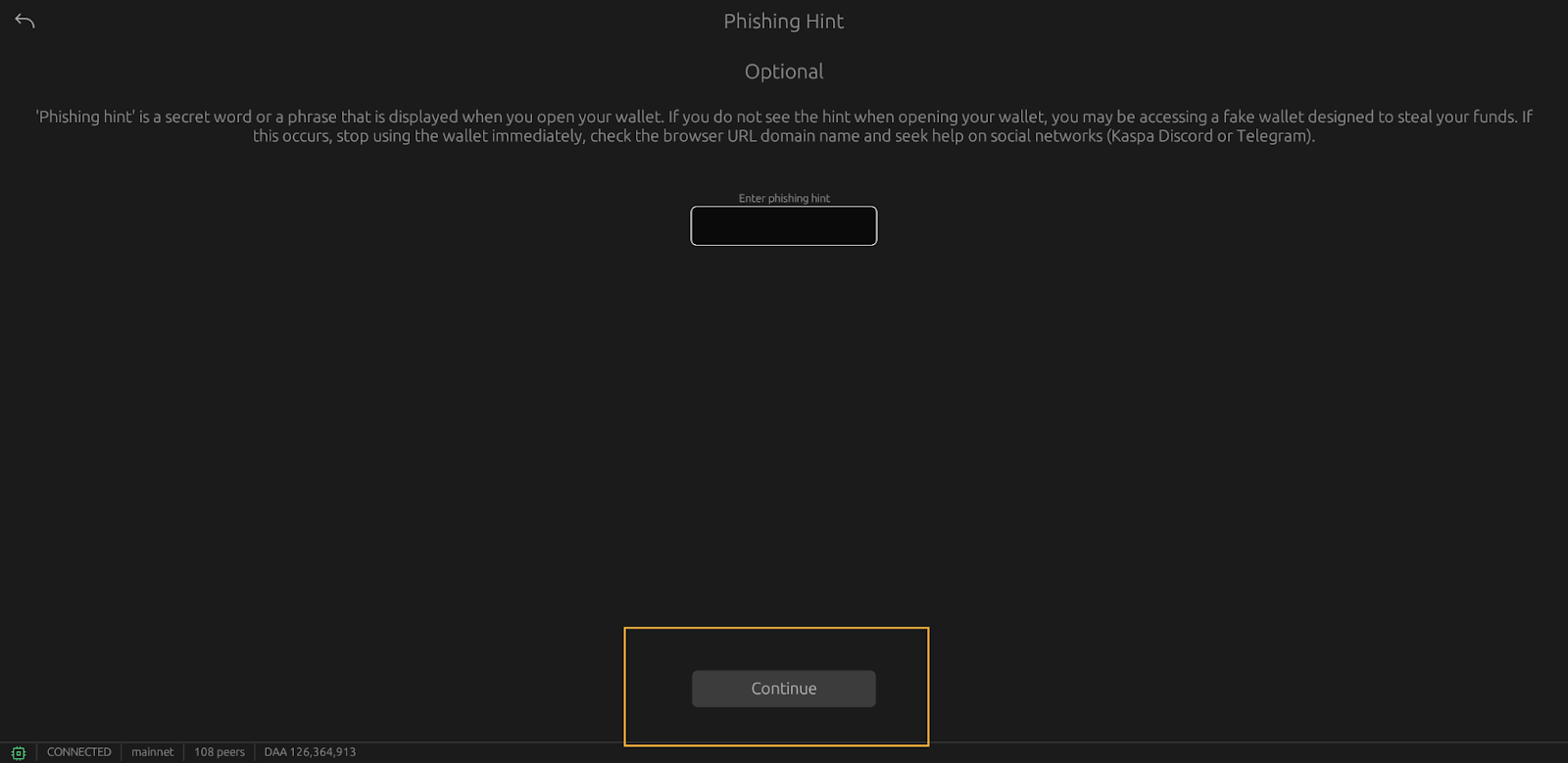
On the “phishing hint” page, again click on “continue”
-
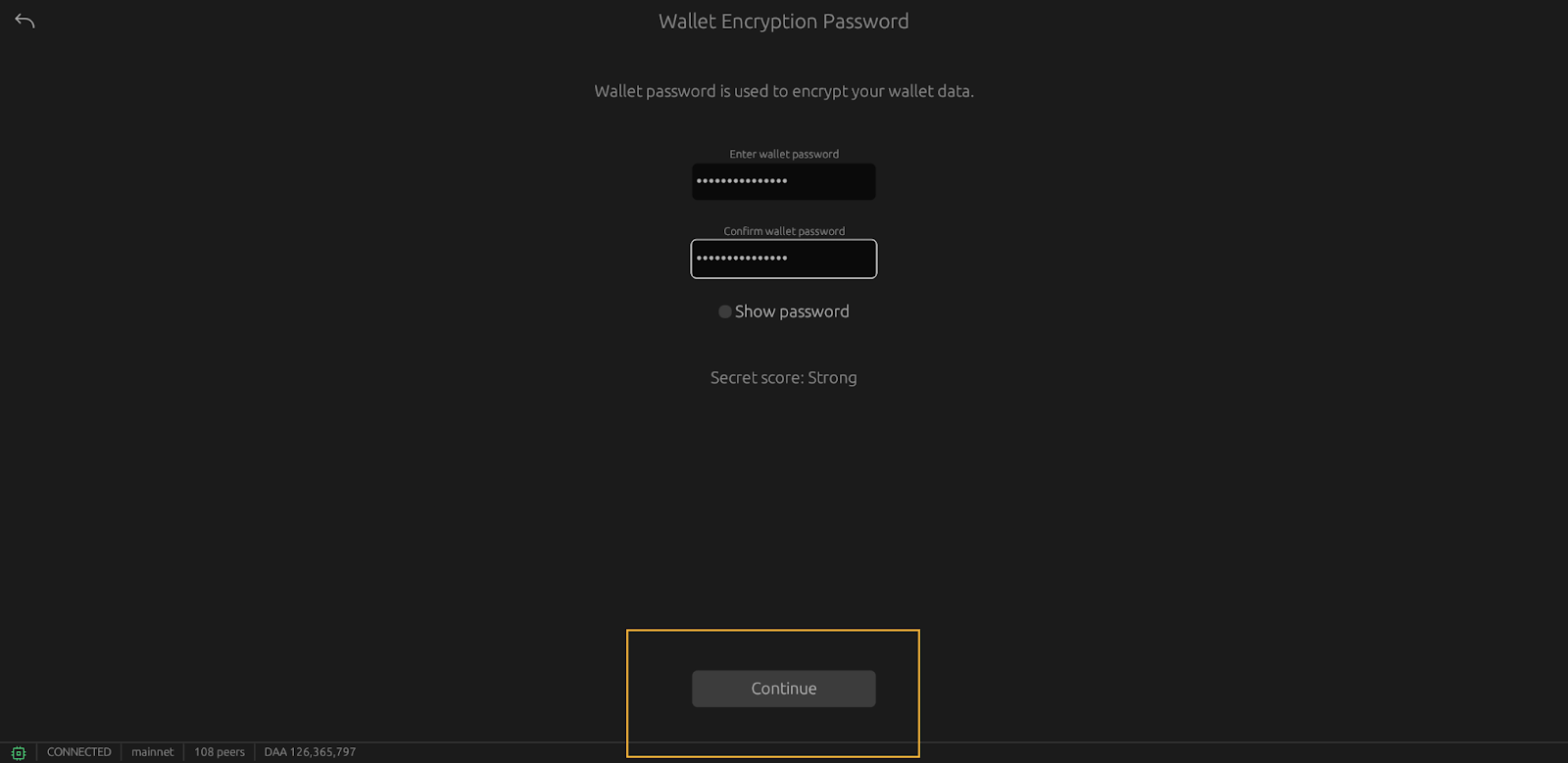
Type your password and confirm it in the 2 corresponding text fields. Then click on continue
-
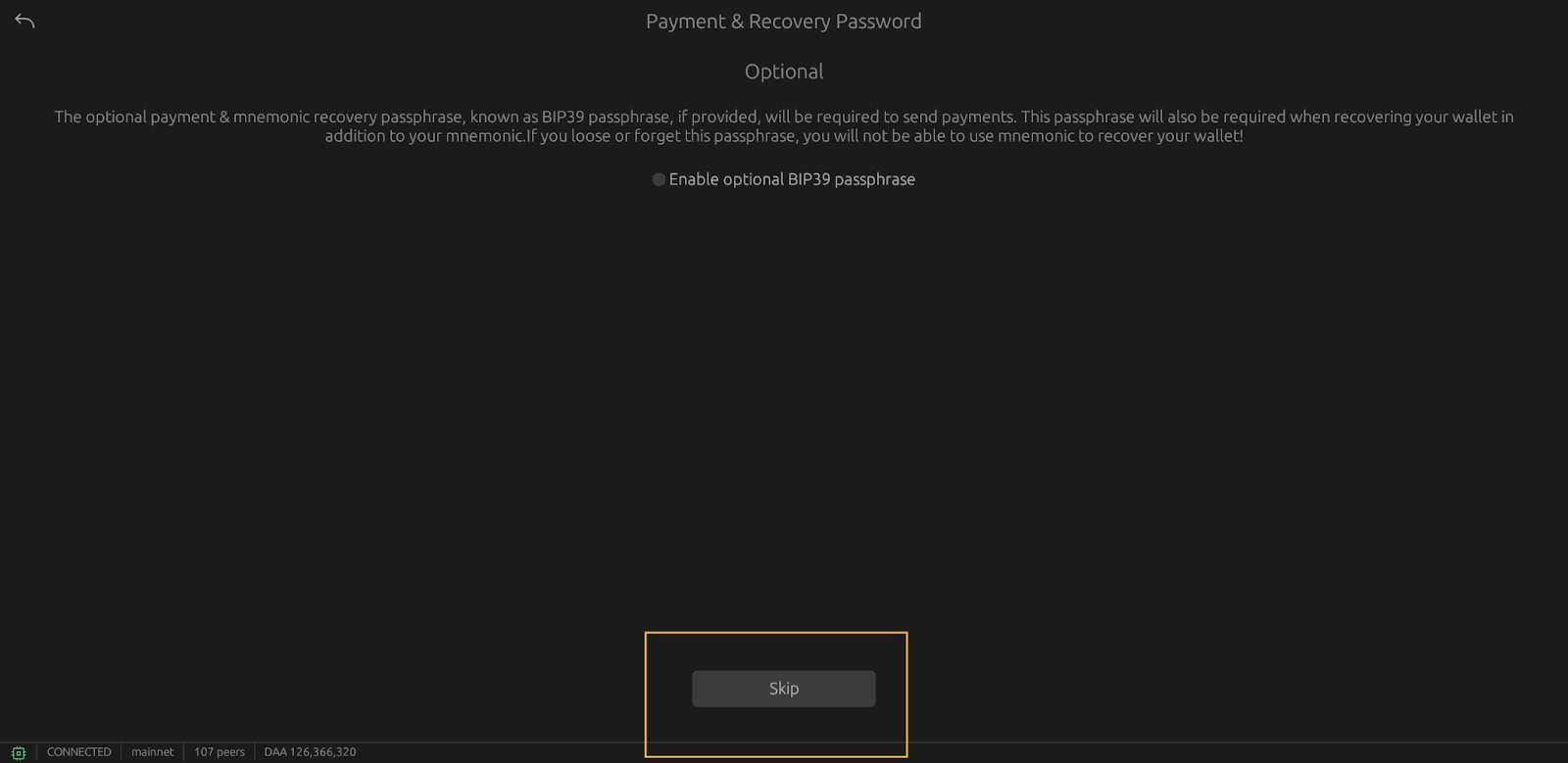
On the next page, click on continue
-
You are now on the seed phrase page. These words must be saved: they will allow you to recover your wallet if something goes wrong. They must be written down on paper and kept in a safe. If you lose your seed phrase, you lose your Kaspa coins, so it is important that you write it down
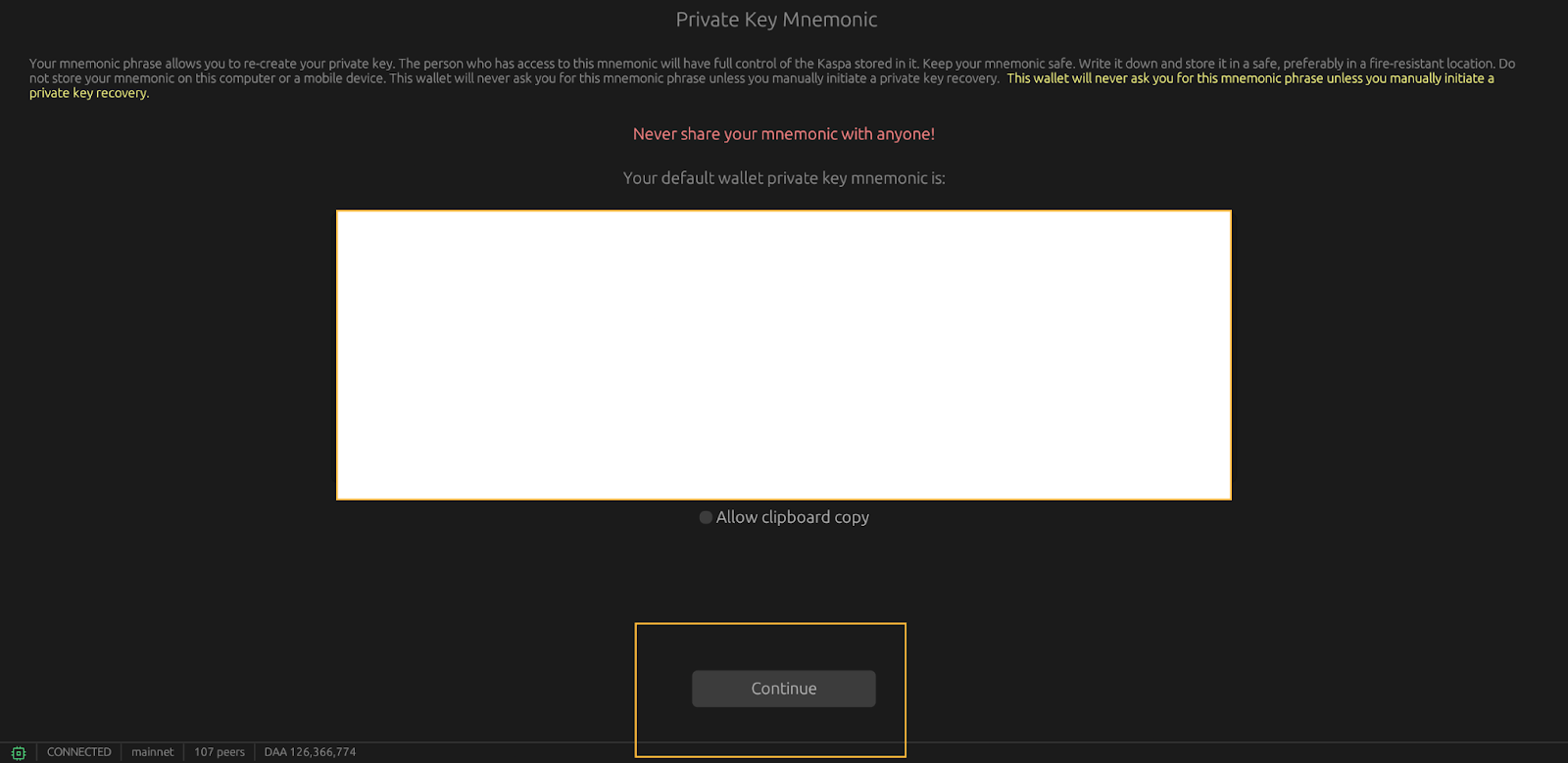
Once you have written down your seed phrase, click on continue
-
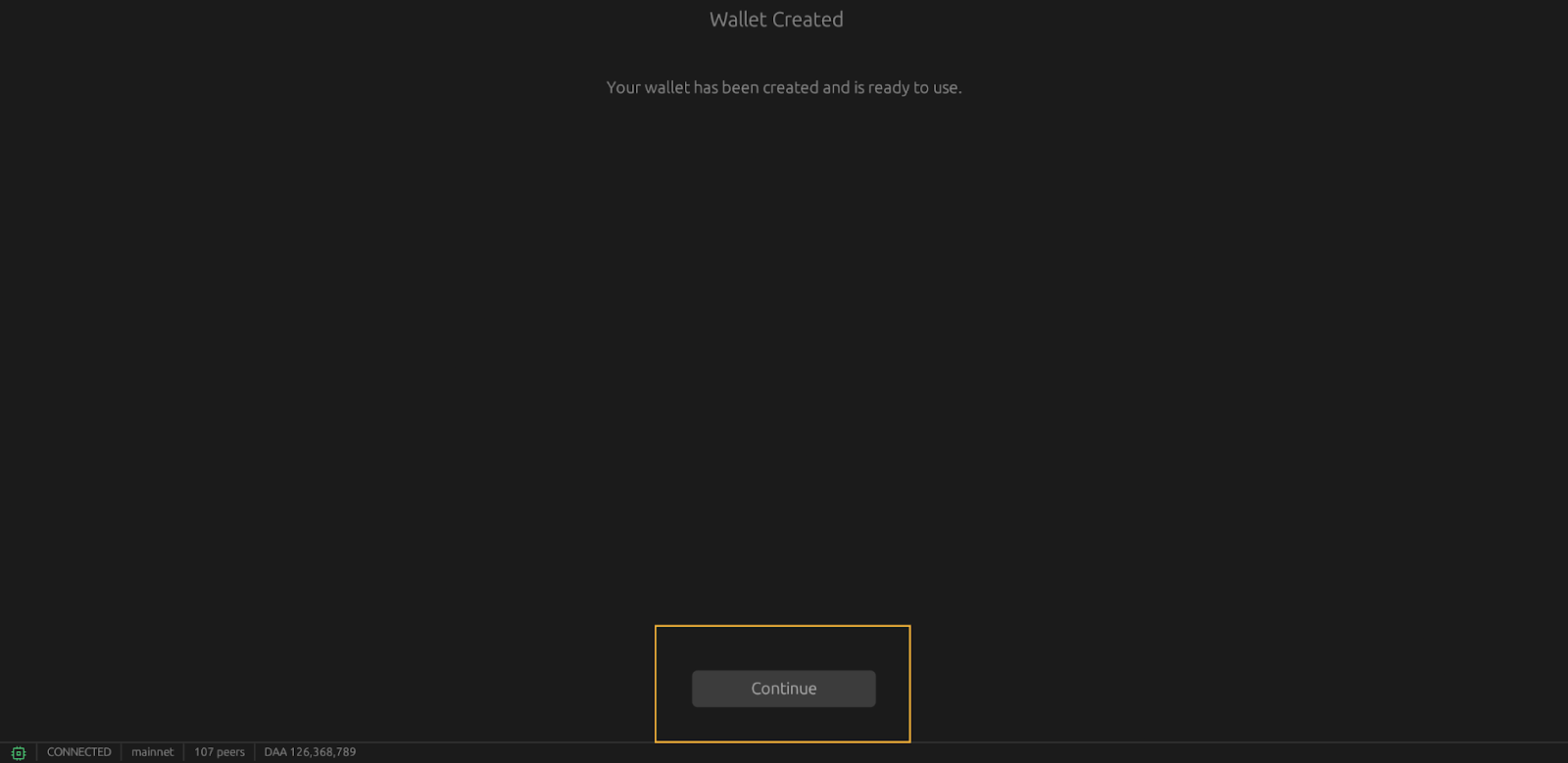
Your wallet has been created – well done!

Click on “continue”
-
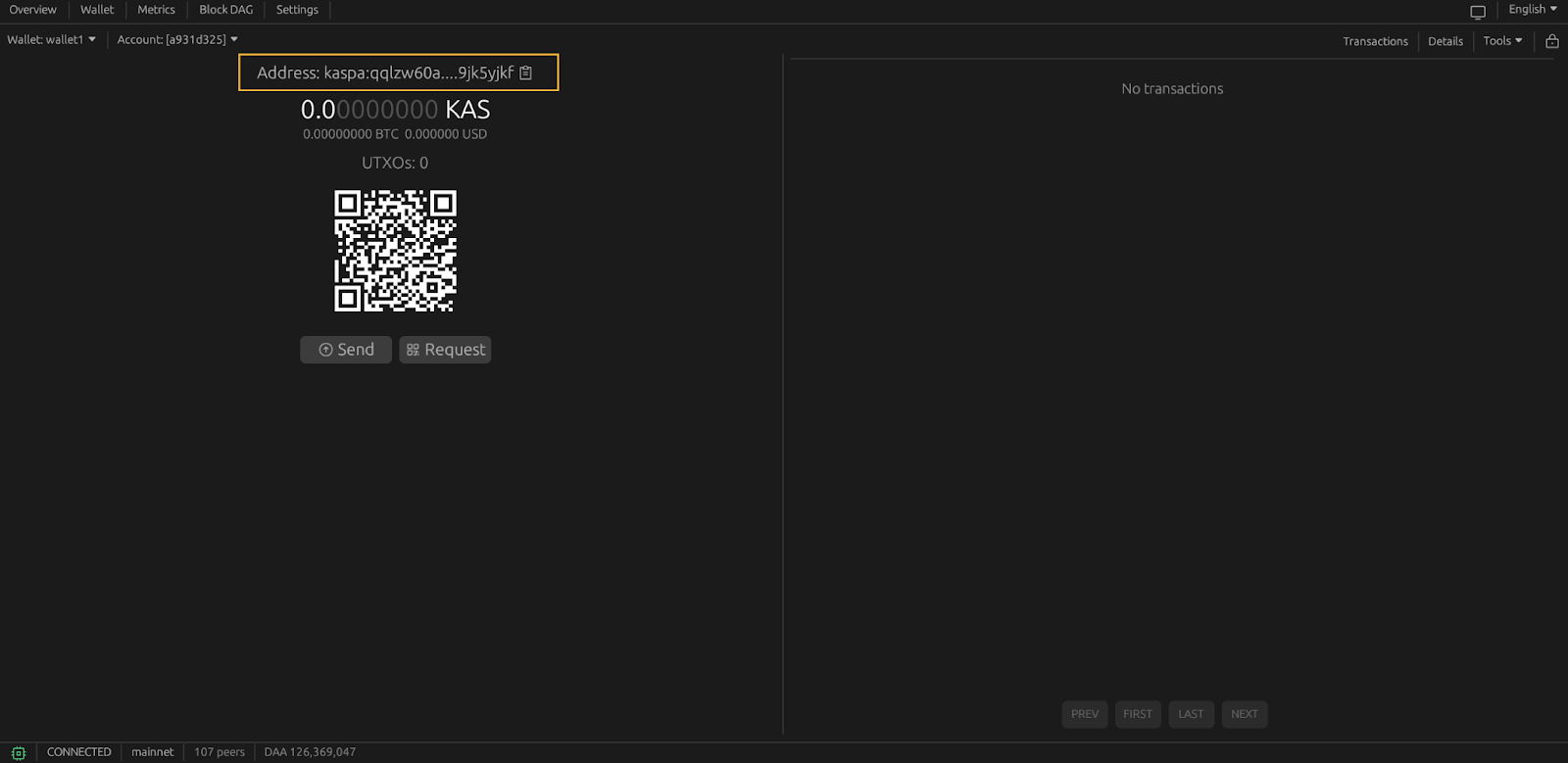
You are now on your wallet dashboard.

You can start mining to it using the address shown in the screenshot below. Kaspa addresses all start with kaspa:XXXXXXXXX.